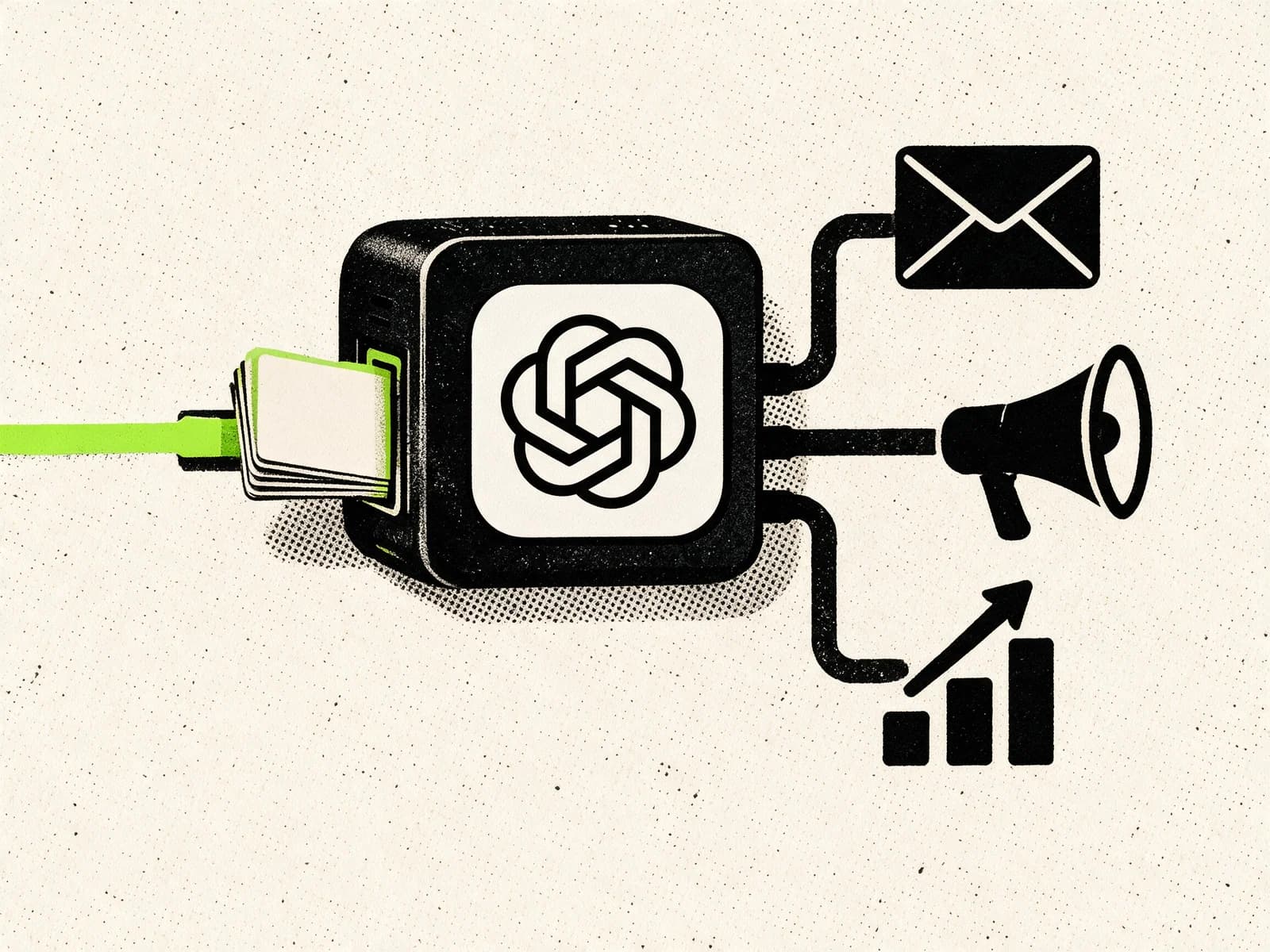
Most AI assistants stop at an answer. Hermes Agent can continue into the tools where the work belongs: searching the web, editing files, operating a browser, calling APIs and running approved commands.
Its memory and skills carry useful context and proven procedures into future sessions, so repeated work does not have to start from zero each time.
What is Hermes Agent?

Hermes Agent is a free, MIT-licensed AI agent developed by Nous Research. It runs on your computer, a virtual private server or a supported cloud sandbox and connects a language model to tools that can perform real work.
The agent is separate from the model. You can use Nous Portal, OpenRouter, OpenAI, Anthropic, Google, local models or another supported provider. Changing the model does not require replacing the rest of the system.
Hermes has several interfaces:
- A command-line interface and terminal UI
- A desktop application for macOS and Windows
- Messaging through Telegram, Discord, Slack, WhatsApp, Signal, email and other platforms
- An always-on gateway for messages, scheduled tasks and background work
- Integrations with external tools through the Model Context Protocol (MCP)
This makes Hermes closer to a personal automation operator than a conventional chatbot. The useful question is not only what it knows. It is what it can access, what it is allowed to change and whether it can repeat the work reliably.
Why Hermes Agent is getting so much attention
Hermes has become one of the fastest-growing projects in the open-source agent category. At the time of writing, the official GitHub repository has more than 234,000 stars and remains under active development.
The raw number does not make it better than every alternative. OpenClaw still has a larger GitHub community. The more useful signal is the amount of discussion around switching, testing and comparing the two systems.
A Kilo analysis of 25 Reddit threads and more than 1,300 comments found recurring praise for Hermes’ setup, memory and skill system. It also found real skepticism, including concerns about unreliable self-evaluation, aggressive promotion and whether a young project has earned its stability claims.
That mixed reaction is healthy. Hermes is capable software with broad system access, not a football team. Ignore the victory laps and judge it against a real workflow.
Three ideas explain most of the interest:
- Hermes is designed to remember useful context rather than start every session cold.
- It can save and refine procedures as skills instead of relying only on one long conversation.
- It combines local control with the convenience of messaging apps and scheduled automation.
How Hermes Agent works

A Hermes setup has four main parts: a model, tools, persistent state and an interface.
The model decides what to do
Hermes sends your request and relevant context to the language model you selected. The model plans the next step, chooses tools and interprets their results.
Model choice matters. A weak model may produce good prose but struggle with long sequences of tool calls. Hermes requires a context window of at least 64,000 tokens because agent work includes instructions, tool definitions, memory, conversation history and the results returned by those tools.
You can change providers with hermes model and use different models for scheduled jobs or delegated subagents. That gives technical users control over quality, latency and cost without rebuilding their automations.
Tools turn instructions into actions
Tools give the model controlled ways to interact with the outside world. Depending on your configuration, Hermes can:
- Search and extract information from the web
- Read, create and edit files
- Run shell commands and manage background processes
- Automate a browser
- Analyze images and documents
- Work with GitHub repositories
- Generate speech or transcribe voice messages
- Call connected MCP servers
- Create scheduled jobs
- Delegate independent parts of a task to subagents
You choose which toolsets are available. A research profile might need web access and document tools but no shell. A development profile may need files, terminal access and GitHub. Smaller tool surfaces are easier to secure and usually cheaper to run.
Memory carries important facts across sessions
Hermes includes bounded, curated persistent memory. It stores a compact user profile and a separate set of operational notes, then loads them when a new session starts.
Useful memory might include:
- Your preferred writing style
- The location and conventions of a project
- Which deployment process a website uses
- A tool limitation discovered during troubleshooting
- A correction that should not be repeated
Hermes also stores session history in a searchable local database. The agent can search an older conversation when the full detail does not belong in permanent memory.
Memory is not magic and it is not model training. Hermes writes selected facts to storage and retrieves them later. A wrong memory can still produce wrong work, so users can review, edit or require approval for memory changes.
Skills preserve procedures
A memory says, “This project uses a staging server.” A skill explains how to deploy to that server, which checks to run, what usually breaks and how to verify the result.
Hermes skills are structured instruction documents loaded only when a task needs them. Hermes ships with bundled skills, can install more from supported catalogs and can create or improve skills after completing complex work.
This is the core of the self-improving claim. Hermes does not rewrite its neural network on your laptop. It captures procedures that worked and makes them available to future sessions.
That distinction matters. Reusable operational knowledge can still save a lot of time, but it should be reviewed like documentation or code. If the agent misunderstood why a task succeeded, it can preserve the wrong lesson with impressive confidence.
The gateway keeps it available
The Hermes messaging gateway runs as a background service. It receives messages from configured platforms, maintains conversations, runs scheduled jobs and delivers results.
You can ask for a report from Telegram, approve a command in Discord or send a voice message while away from your desk. The same agent can continue working on the machine where Hermes runs.
For an always-on setup, use a dedicated server or cloud environment. A laptop installation stops being always on when the laptop sleeps, loses connectivity or gets packed into a bag.
What makes Hermes different

Many agent platforms now offer tools, memory and integrations. Hermes’ advantage is how these pieces are joined together.
A closed learning loop
Hermes is designed to notice durable preferences and repeatable procedures after a task. It can save concise memories, create a new skill or update an existing one. The next relevant task starts with more context than the first.
This works best on repeated work with clear success criteria. A deployment checklist, weekly research process or document review workflow can improve because the output is testable. Vague tasks such as “make my business better” give the agent little reliable feedback.
Skills load only when needed
Installing many skills does not mean loading every instruction into every prompt. Hermes scans short descriptions and opens the full skill only when the task matches. This keeps the baseline context smaller while allowing detailed procedures to accumulate.
Profiles separate different agents
Hermes profiles give separate agents their own configuration, model, memory, sessions, skills and messaging state. You could maintain one personal profile, one coding profile and one research profile without blending their histories.
Profiles are state boundaries, not operating-system sandboxes. On a local terminal backend, different profiles may still have access to the same filesystem and command-line credentials. Use Docker, a remote machine or another isolated backend when you need a real security boundary.
Subagents handle independent work in parallel
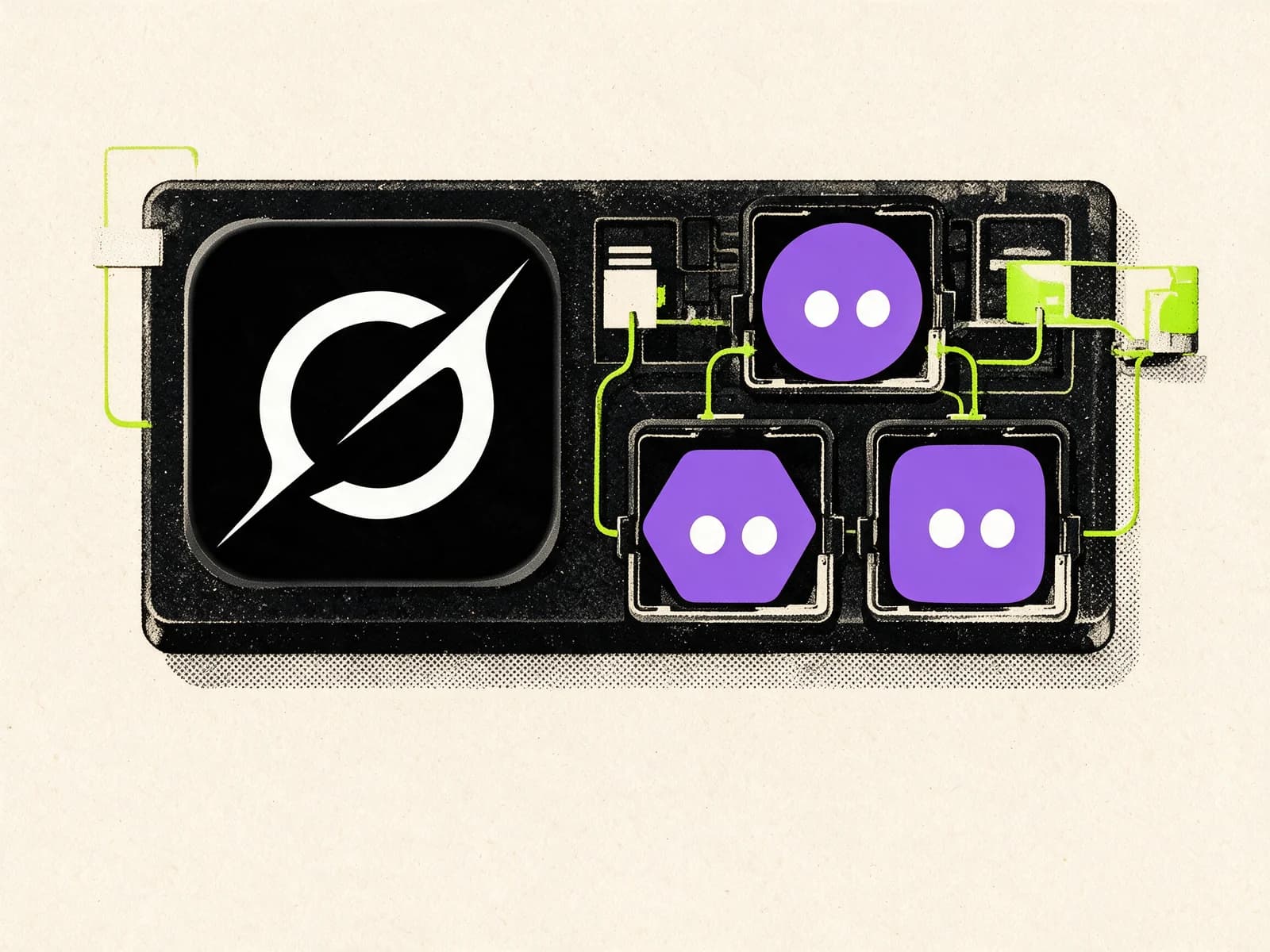
Hermes can delegate tasks to isolated subagents. A parent agent might send one worker to research documentation, another to inspect a repository and a third to test a proposed fix.
Each subagent receives a fresh context and returns a summary. This reduces clutter in the main conversation and speeds up work that genuinely divides into independent parts. It does not make every task better. Three poorly briefed agents can create three varieties of confusion faster than one.
Checkpoints help reverse file changes
Before supported file operations, Hermes can create filesystem checkpoints. The /rollback command can preview or restore earlier file state if the agent makes a bad change. Checkpoints are opt-in, so enable them when the extra recovery layer is worth the storage.
Checkpoints are useful, but they do not replace Git, backups or staging environments. They are another recovery layer.
Practical Hermes Agent use cases

Research briefs
Ask Hermes to monitor a topic, collect primary sources, remove duplicate stories and deliver a concise briefing on a schedule. A skill can preserve the preferred sources, exclusions and output format.
This works well for competitor monitoring, product updates, policy changes and industry news. Require links to the underlying sources so the output can be checked.
Inbox and calendar preparation
Hermes can summarize new messages, identify decisions, draft replies and prepare tasks. Start with read access and drafts. Sending messages or changing appointments should remain behind approval until the workflow has proved reliable.
Website and repository maintenance
A development profile can review dependency alerts, inspect CI failures, update a focused set of files, run tests and prepare a pull request. Project-specific skills can record the build commands, deployment rules and recurring pitfalls.
Scheduled operational checks
The built-in cron scheduler can run one-time or recurring tasks and deliver the result to a chat platform. Good examples include checking backups, monitoring a sitemap, reviewing failed jobs or generating a weekly analytics summary.
Failure-only alerts are better than a cheerful message every hour confirming that nothing is broken. Silence is a feature when operations are healthy.
Document and data workflows
Hermes can combine web research, local files, PDFs, spreadsheets and connected services in one task. It is useful when the work would otherwise require moving information through several separate apps.
Personal knowledge and recurring admin
Persistent memory helps with preferences, routine purchases, travel criteria, note organization and repeated forms. Keep financial transfers, deletions and account changes behind explicit confirmation.
How to install Hermes Agent
For macOS and Windows, the simplest path is the official installation guide. The desktop application includes the command-line tools.
For a command-line installation on Linux, macOS, WSL2 or Android through Termux, the official command is:
curl -fsSL https://hermes-agent.nousresearch.com/install.sh | bash
Security-conscious users can download and inspect the installer before running it rather than piping it directly into a shell.
Native Windows users can run the official PowerShell installer:
iex (irm https://hermes-agent.nousresearch.com/install.ps1)
After installation, run:
hermes setup
The lowest-friction provider setup uses Nous Portal:
hermes setup --portal
You can also bring your own provider credentials and select a model with:
hermes model
Then verify the base installation before adding more moving parts:
hermes
Give it one specific, testable task. For example, ask it to inspect a local project and identify the main entry point. If normal chat and one tool call work, add messaging:
hermes gateway setup
A sensible first-week setup looks like this:
- Get one normal CLI conversation working.
- Enable only the tools needed for one workflow.
- Connect one messaging platform with an explicit user allowlist.
- Keep dangerous commands and external actions behind approval.
- Run the workflow manually twice.
- Save or refine the skill only after checking the result.
- Add a schedule last.
hermes doctor is the first command to run when configuration starts behaving strangely.
Hermes Agent vs OpenClaw
Hermes and OpenClaw are open-source agents that can use tools, run on your own infrastructure and connect to messaging platforms. Their feature lists overlap, but their priorities differ.
| Area | Hermes Agent | OpenClaw |
|---|---|---|
| Main strength | Persistent learning through curated memory and reusable skills | Large ecosystem, broad adoption and extensive integrations |
| Setup | Guided installer and setup wizard | Flexible but can require more configuration |
| Memory | Bounded core memory, session search and optional external providers | Persistent memory with a larger established ecosystem around it |
| Skills | Agent-created and agent-maintained procedures | Large catalog of community extensions |
| Models | Provider-agnostic, including hosted and local endpoints | Provider-agnostic, including hosted and local endpoints |
| Messaging | 20+ platforms through one gateway | Broad multi-channel support and a larger installed base |
| Automation | Built-in cron, scripts, delivery and chained jobs | Mature automation and a broad plugin ecosystem |
| Isolation | Local, Docker, SSH and several cloud backends | Self-hosted deployment with its own sandboxing options |
| Best fit | Users who value memory, repeatable workflows and model flexibility | Users who value ecosystem size, integrations and community support |
Hermes is not automatically the right choice because social media likes it this month. OpenClaw still has more GitHub stars, more historical usage and a larger pool of community material.
Hermes is the sharper option when your work benefits from remembered preferences and procedures that improve over time. OpenClaw remains attractive when integration breadth and ecosystem maturity matter more.
Our full OpenClaw guide covers its setup, use cases and security model. If you prefer a managed agent with a persistent cloud computer instead of maintaining your own server, compare both with Grok Bot.
Security and privacy
An agent with access to files, email, browser sessions and a terminal has a larger blast radius than a chatbot. Self-hosting changes who controls the machine. It does not make careless permissions safe.
The Hermes security model includes user allowlists, dangerous-command approval, file-write controls, container isolation, credential filtering and prompt-injection checks.
Use those controls deliberately:
- Restrict messaging access with allowlists or pairing.
- Run untrusted code and browsing inside Docker or another isolated backend.
- Keep payments, publishing, deletion and production changes behind human approval.
- Give integrations the narrowest credentials that can complete the task.
- Review third-party skills before installing them.
- Do not use
--yoloon a machine holding valuable files or credentials. - Back up important data and use version control for code.
- Keep the gateway behind a firewall, VPN or properly secured reverse proxy.
Prompt injection remains a risk. A webpage, email or document can contain text designed to manipulate an agent. The model should treat external content as data, but technical controls matter more than a polite instruction asking it to behave.
Memory and skills deserve the same caution. A poisoned memory or flawed procedure can affect future sessions. Hermes lets users require approval before memory or skill changes. Enable those gates when the agent works with sensitive systems or shared business processes.
Costs and requirements
Hermes Agent itself is free under the MIT license. Running it may still involve:
- Model API usage or a Nous Portal subscription
- A VPS or cloud sandbox for an always-on agent
- Paid browser, search, speech or third-party API services
- Local hardware if you run your own model
You do not need a GPU when using a hosted model. The Hermes process handles orchestration while inference runs on the provider’s infrastructure.
Local models can reduce external data exposure, but they add hardware requirements and configuration work. They also need a context window of at least 64,000 tokens, and smaller models may be less reliable during long tool-driven tasks.
Track usage before scheduling frequent autonomous work. Agent prompts include much more than your last sentence, and repeated tool loops can consume tokens quickly.
Who should use Hermes Agent?
Hermes is a strong fit if you:
- Repeat technical or research workflows and want the procedure remembered
- Want one agent available through terminal and messaging apps
- Need freedom to change models and providers
- Prefer controlling where the agent runs and stores its state
- Are comfortable reviewing permissions, logs and automation results
It is a weaker fit if you:
- Want a completely managed, no-configuration product
- Are uncomfortable with terminals, API credentials or server maintenance
- Need formal enterprise governance, audit and support guarantees today
- Expect unsupervised automation to be reliable before you define success criteria
The best evaluation is boring: install it, choose one task you already repeat and compare the result over a week. Measure time saved, errors and how often you need to intervene. Social sentiment can tell you what to test. It cannot tell you whether the agent works in your environment.
FAQ
Is Hermes Agent free?
Yes. Hermes Agent is open source under the MIT license. You may still pay for model usage, hosting and connected services.
Is Hermes Agent the same as the Hermes language model?
No. Hermes Agent is the software that manages conversations, tools, memory, skills and automation. It can use models from many providers, not only models created by Nous Research.
Does Hermes Agent run locally?
Yes. You can run it on your own computer. It can also run on a VPS, over SSH, in Docker or through supported cloud backends.
Does Hermes Agent work on Windows?
Yes. Hermes provides a desktop installer and a native PowerShell installation path. WSL2 remains an option for users who prefer a Linux environment.
Can Hermes Agent work while my computer is off?
Only if Hermes runs somewhere else that stays online, such as a VPS or cloud environment. A local installation stops when the host computer is off.
What does self-improving mean in Hermes Agent?
Hermes can save durable facts as memory and preserve successful procedures as skills that it reuses or refines later. It does not retrain the underlying language model during normal use.
Is Hermes Agent better than OpenClaw?
Hermes is often the better fit for personal memory and workflows that benefit from reusable procedures. OpenClaw has a larger community and broader ecosystem. Choose according to the work you need done, not a popularity contest.
Is Hermes Agent safe?
It includes meaningful security controls, but no tool-using agent is safe under every configuration. Use limited credentials, isolation, user allowlists and human approval for consequential actions.
Which model should I use with Hermes Agent?
Use a current model with strong tool calling and at least a 64,000-token context window. Start with a reliable hosted provider, test your real workflow and optimize cost only after the process works.
The verdict
Hermes Agent has earned attention because its strongest idea addresses a real weakness in AI assistants: useful context and procedures should survive the conversation that created them.
The result is not an autonomous employee you can leave unsupervised. It is a flexible agent runtime that becomes more useful when you give it clear tasks, constrained access and feedback grounded in real outcomes.
Start with one repetitive workflow. Keep the permissions narrow. Check the work. If Hermes can complete that task reliably and preserve the lessons from it, the self-improving label has practical value rather than merely looking good in a launch post.