Most AI assistants stop at an answer. Grok Bot is designed to keep going: it can open the relevant tool, complete the steps and return when the work is finished or needs your approval.
Launched by SpaceXAI in early beta, Grok Bot runs on a persistent cloud computer rather than your laptop. It can sign in to websites, use connected apps, work with files and continue after you close your device.
Quick take: Grok Bot packages an always-on AI agent into an interface that feels more like messaging a colleague than configuring automation. Its strongest feature is the ability to learn a browser workflow by watching you do it once. The tradeoff is access: every Bot on your account shares one cloud computer, including its files, browser sessions and logins.
What is Grok Bot?

Grok Bot is a managed AI agent service for multi-step work. You create named Bots, give each one a job and connect the tools it needs. A Bot can then research, navigate websites, edit files, call connected services and run recurring tasks in the background.
That makes it different from a normal Grok conversation. A chatbot produces an answer inside the chat. A Grok Bot is meant to produce an outcome inside the software where the work belongs, such as a CRM, inbox, spreadsheet, issue tracker or vendor portal.
The product uses a persistent cloud computer with a browser, filesystem and terminal. Your laptop does not need to stay open. The same Bot and conversation can be accessed from desktop or iPhone, and you can watch its screen or take control when a login, CAPTCHA or other human step is required.
How Grok Bot works
A persistent cloud computer

Grok Bot’s work runs on a computer hosted in the cloud. Browser sessions and files persist between tasks, so a Bot does not have to start from zero each time. Scheduled routines can also keep running while your own devices are off.
There is one important detail: all Bots on an account share the same computer. Each Bot gets a separate screen, but those screens are work surfaces, not security boundaries. A login available to one Bot is potentially available to all of them.
Connectors first, browser control when needed
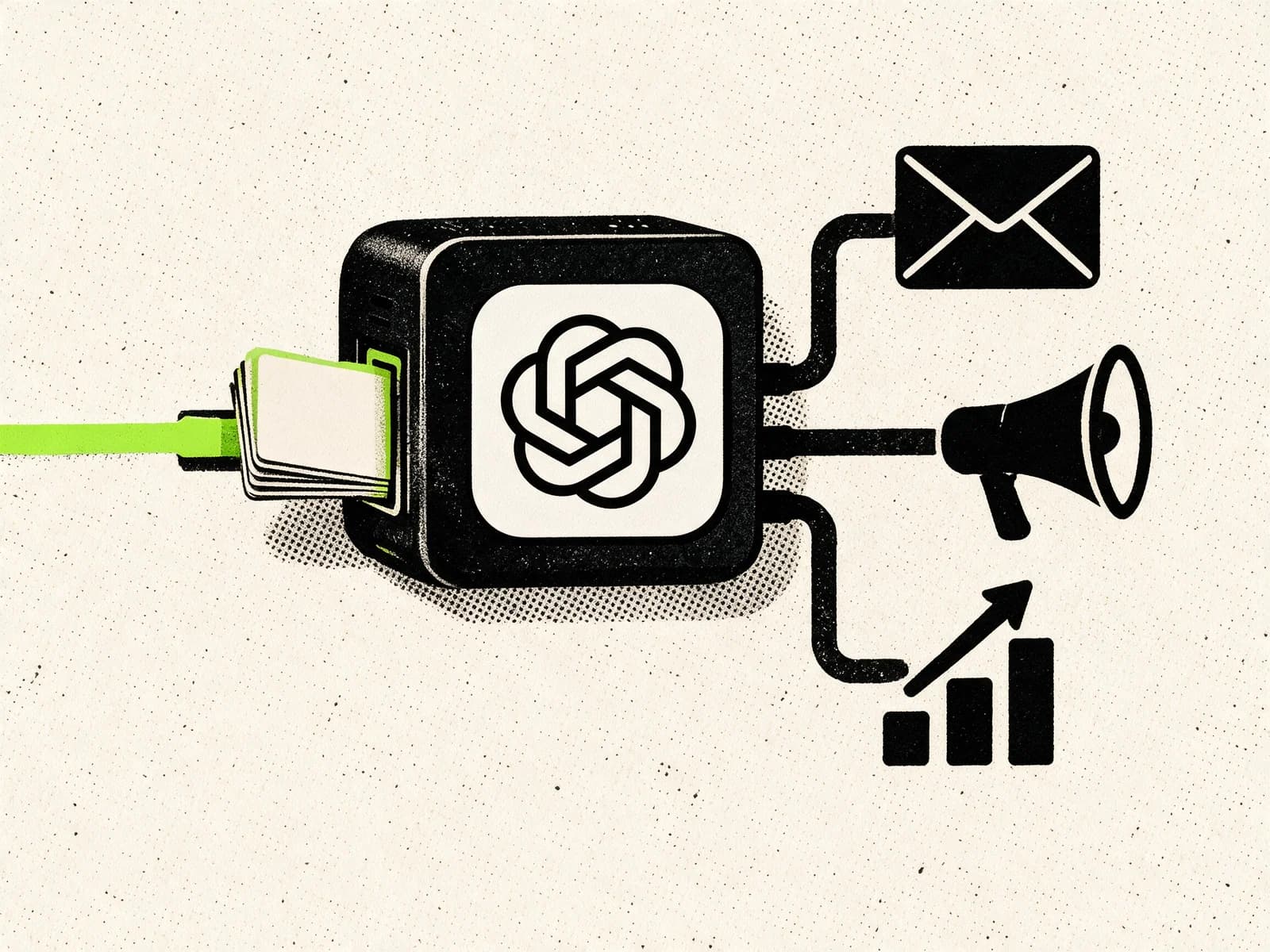
Grok Bot can use connectors and MCP integrations for supported services. These structured connections are usually faster and more reliable than clicking through a website.
When there is no connector, the Bot can use a real browser. That opens the door to older admin panels, vendor portals and internal tools that were never built with automation in mind. It also introduces the usual weakness of browser automation: websites change, sessions expire and CAPTCHAs appear.
Memory, skills and routines
Named Bots keep role-specific context and preferences. Once a task works, you can save the process as a skill with its steps, decision rules, output format and approval boundaries.
A routine adds a schedule or event trigger. For example, an Account Health Bot could review customer data every Monday morning and leave a ranked watch list without contacting anyone.
Several Bots can work together
You can assign different jobs to different Bots and place them in the same conversation. One might research accounts, another prepare outreach and a third coordinate the handoff. They can share context and files without making you copy information between chats.
Multiple Bots are useful only when the work has genuinely separate owners. Otherwise they add coordination overhead without improving the result.
The standout feature: Teach a task
Teach a task lets you demonstrate a browser workflow instead of describing every click.
- Open a one-to-one conversation with a Bot.
- Start Teach a task from the computer view.
- Describe the result you are about to produce.
- Complete the workflow while the Bot watches.
- Review the generated skill and test it with safe data.
- Add failure handling and approval rules before scheduling it.
A demonstration can cover work such as filtering a dashboard, exporting a report, collecting figures from a portal or updating an internal system. Grok Bot records visible computer interactions for up to 10 minutes and turns them into a draft skill.
The word draft matters. One successful run does not teach every edge case. You still need to define what should happen when a page changes, data is missing or the Bot reaches a consequential action.
Practical Grok Bot use cases
Morning inbox brief
Have a Bot review new messages, group them by importance and prepare one short brief with the items that need a decision. It can draft replies, but sending should remain behind approval until the workflow is consistently reliable.
Sales research and CRM preparation
A sales Bot can research target accounts, identify relevant contacts, score them against an ideal customer profile and prepare personalized outreach. It can also check the CRM to avoid contacting people already in an active sequence.
The safer first version stops at a review list. Let the Bot prepare the work before giving it permission to send anything.
Recurring reports from awkward portals
Some tools have no API and no useful export automation. This is where computer use earns its keep. Teach a Bot how to sign in, apply the right filters, download the report and place it in a known folder. Then schedule the routine and define what it should do if the numbers look stale or the page layout changes.
Content and market monitoring
A Bot can monitor a niche, collect source links and prepare a daily or weekly briefing. It can also combine performance data with your existing content library to draft new ideas based on what has actually worked.
Keep publishing behind approval. Automating research is useful. Automating the release of confident nonsense is less useful.
Operations and finance preparation
Expense reconciliation, missing-receipt follow-ups and invoice collection are good candidates because they involve repetitive work across email, portals and spreadsheets. Start with read-only access and review-ready outputs. Payments, reimbursements and money movement should always require a human decision.
Bug reproduction
A product Bot can reproduce an issue in staging, capture screenshots, note browser and operating-system details and prepare a clean ticket. This removes the tedious first pass without giving the agent access to production customer data.
Grok Bot vs chatbots and self-hosted agents
| Area | Standard chatbot | Grok Bot | Self-hosted agent |
|---|---|---|---|
| Typical output | An answer or draft | Work completed across tools | Work completed through tools you configure |
| Runtime | Provider chat | Managed persistent cloud computer | Your laptop, server or VPS |
| Setup | Minimal | Low | Moderate to high |
| Browser work | Limited or session-based | Persistent browser and logins | Depends on your configuration |
| Customization | Limited | Skills, routines and connectors | Broad control over models, tools, channels and code |
| Data boundary | Provider account | Provider-managed shared computer | Infrastructure and policies you control |
| Best fit | Questions and one-off drafts | Convenient recurring web and knowledge work | Technical users who want control and extensibility |
Grok Bot is the easier product for someone who does not want to provision a server, install an agent or maintain its browser environment. A self-hosted system such as Hermes Agent gives technical users more control over models, integrations, messaging channels and data placement, but that flexibility comes with setup and maintenance.
If control matters more than convenience, read our guide to self-hosted AI assistants.
Grok Bot pricing and availability

Grok Bot is in early beta. Checked on August 22, 2026, eligible plans include SuperGrok Plus and Heavy, Cursor Pro+ and Ultra, and Cursor Teams Standard and Premium. The official pricing page currently lists Grok Bot access from $60 per month through Cursor Pro+, $100 per month through SuperGrok Plus and $40 per seat per month through Cursor Teams Standard.
Plans include weekly Grok Bot usage, with on-demand usage available on eligible accounts. Prices, limits and supported platforms are moving quickly during beta, so verify the live page before subscribing.
Security, privacy and limits to understand first
All Bots share one security boundary
Files, browser cookies and command-line credentials are shared across your Bot roster. Do not create separate Bots and assume they isolate access. Use scoped accounts, remove temporary files and sign out when a service should no longer be available.
Approvals need explicit rules
SpaceXAI recommends clear boundaries for sending messages, publishing, purchases, deletion, permission changes and production work. Auto Review is model-based, so it should support least privilege rather than replace it.
An approval can stop a proposed action. It cannot reverse work the Bot has already completed. Put the boundary in the Bot description and in the task itself.
A test run still performs real work
Testing a routine can navigate websites, change files and call connected tools. Use a safe account or staging environment, and keep write actions behind approval.
Cloud storage is required
Grok Bot uses Cursor authentication and account data settings. The official documentation says the product requires cloud data storage and does not support Legacy Privacy Mode. Review the current Cursor privacy and security terms before connecting confidential business systems.
Browser automation is flexible, not invincible
A connector is usually more reliable than visual browser control. Websites can change their layout, block automation or request a fresh login. Build failure reporting into every routine so the Bot does not silently use stale data or improvise around a broken step.
How to start without creating a mess
- Choose one repeatable outcome. A morning brief or weekly report is better than a vague role such as “handle my operations.”
- Start read-only. Let the Bot gather, reconcile and draft before it can send, publish or change records.
- Use a limited account. Connect only the systems and permissions required for that workflow.
- Run the task twice. Correct the first result, save the process as a skill and test it on different input.
- Add a routine last. Define the schedule, time zone, current data source, approval boundary and failure behavior.
- Measure the boring part. Track time saved, error rate and how often you had to intervene. If you spend more time supervising than doing, the workflow is not ready.
FAQ
Does Grok Bot keep working when my laptop is closed?
Yes. Work runs on its cloud computer, so active tasks and scheduled routines can continue after you close the app or laptop.
Can Grok Bot use any website?
It can use many browser-based tools, including sites without a connector. A site may still block automation, expire the session or require a CAPTCHA or human confirmation.
Do Grok Bots each have a separate computer?
No. All Bots on one user account share a persistent cloud computer, including its files, browser sessions and logins. Each Bot gets a separate screen, not a separate security boundary.
Can Grok Bot learn a workflow by watching me?
Yes. Teach a task records a browser workflow and creates a draft skill. You should review the steps, add rules for errors and approvals, then test it before scheduling.
Is Grok Bot better than a self-hosted AI agent?
It is easier to start and has a more polished managed experience. Self-hosted agents offer more control over infrastructure, models, tools and channels. The better choice depends on whether you value convenience or customization more.
Is Grok Bot safe for business use?
It can be used safely with scoped access, read-only starting points and explicit approval rules. Do not give it broad credentials by default, and review the provider’s current privacy, security and enterprise controls before connecting sensitive data.
The verdict
Grok Bot makes always-on agents much easier to use. The cloud computer, mobile access and Teach a task feature remove most of the setup that keeps non-technical users away from agent systems.
That convenience does not remove the need for good operations. Start with preparation work, keep consequential actions behind approval and treat every login on the shared computer as available to every Bot. Done well, Grok Bot can take recurring work off your plate. Broad credentials and weak approval rules create avoidable security exposure.