AI clipping tools can turn a podcast, webinar or YouTube video into multiple vertical clips for TikTok, Instagram Reels and YouTube Shorts. They reduce the manual work of finding moments, reframing video and adding captions. They do not guarantee that a clip will perform.
Quick take: use AI to create the first cut, then review the hook, context, captions, framing and rights before publishing.
What AI video clipping tools do
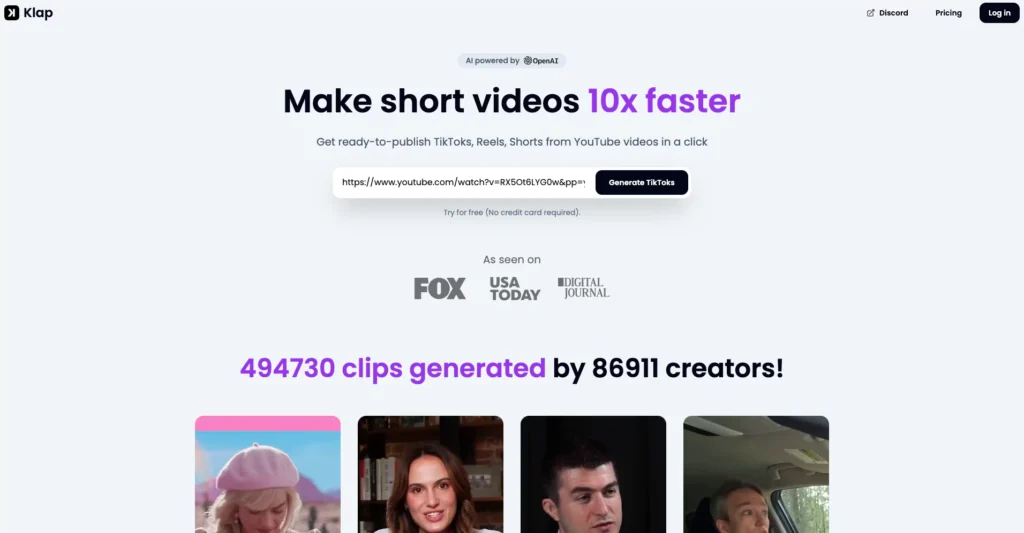
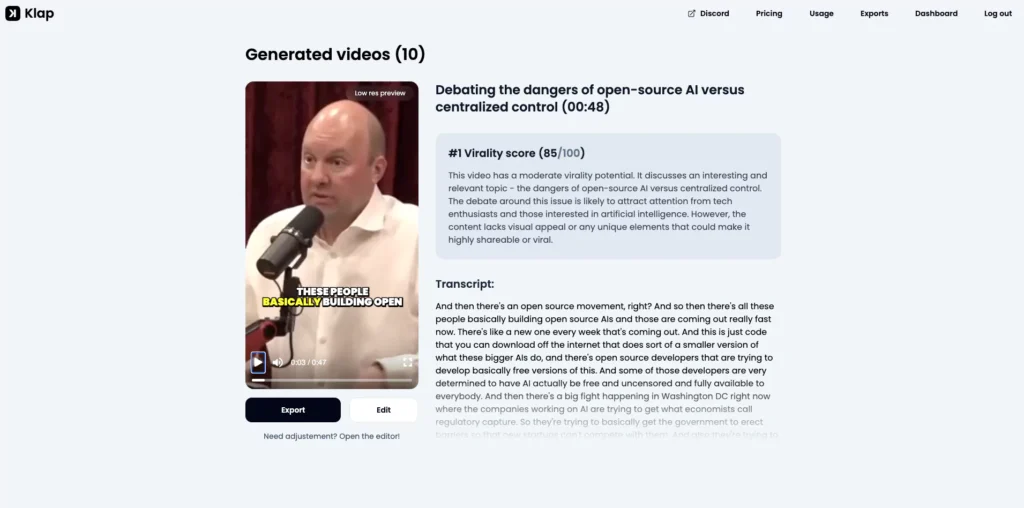
A tool such as Klap analyzes an existing video and proposes short segments. Current features include:
- Importing a video file or supported video URL
- Identifying hooks, topic changes and quotable moments
- Reframing horizontal footage into a vertical layout
- Tracking the active speaker or important area of the frame
- Generating captions and transcripts
- Scoring or ranking suggested clips
- Applying brand fonts, colors and logos
- Exporting or publishing to supported social platforms
Klap is an AI clip generator for footage you already have. It is not primarily a text-to-video generator.
Choose source material that works as short clips
The source matters more than the tool. Good candidates contain self-contained moments that make sense without the full episode:
- A clear answer to one question
- A strong opinion supported by a concrete example
- A short demonstration or before-and-after result
- A useful story with a clean setup and payoff
- A surprising fact that can be verified
A slow discussion with no clean transitions will still require substantial editing. AI can find candidates, but it cannot create missing context.
Turn a long video into TikTok clips
1. Import the video
Upload a file or paste a supported URL. Use content you own or have permission to repurpose. Downloading someone else’s work and reposting it is not a content strategy. It is a copyright problem wearing captions.
2. Set the target format
Choose a vertical 9:16 layout for TikTok. Set the preferred clip length based on the idea, not an arbitrary rule. A concise answer may need 20 seconds, while a useful explanation may need longer.
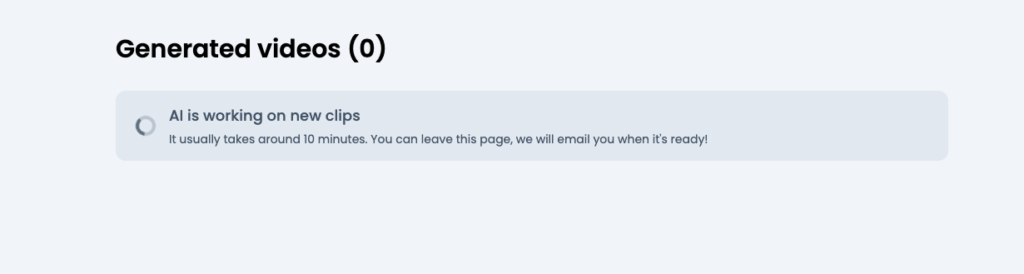
3. Generate candidate clips
Let the tool scan the source and propose moments. Treat any virality score as a prioritization signal, not a prediction. The score cannot know your audience, distribution or current context.
4. Review the opening
The first seconds need to tell viewers what they will get. Remove greetings, long introductions and references that only make sense in the full video. Do not add a dramatic hook that the clip never delivers.
5. Fix captions and framing
Correct names, technical terms and punctuation. Watch the full clip with sound off to confirm the captions carry the meaning. Check that speaker tracking does not crop faces, products or screen demonstrations.
6. Add context and branding
Use restrained captions, fonts and colors. Add a short title when the clip needs context, but do not cover the subject or TikTok interface areas.
7. Export and publish
Preview the final file on a phone. Confirm audio levels, safe margins and caption timing. Then publish manually or through a supported scheduler.
How long should a TikTok clip be?
There is no universal winning duration. TikTok supports a wide range of video lengths, and its own advertising guidance varies by format and objective. Use the shortest length that preserves the idea.
- Keep one main point per clip.
- Remove setup that viewers do not need.
- Do not cut so aggressively that the claim becomes misleading.
- Compare retention at several lengths using your own account data.
Improve the clip before publishing
- Lead with substance: start near the useful claim or tension.
- Keep captions readable: use high contrast and enough time on screen.
- Check the crop: vertical reframing can hide products, slides and gestures.
- Preserve context: avoid clips that misrepresent the original speaker.
- Match the platform: captions, pacing and calls to action should feel native rather than copied from a webinar.
- Review every export: automation errors become your publishing errors.
Measure performance without chasing virality
Views alone do not tell you whether the repurposing workflow is useful. Track:
- Average watch time and completion rate
- Where viewers leave
- Saves, shares and meaningful comments
- Profile visits and qualified clicks
- Production time per published clip
- Performance by source topic and clip format
After 10 to 20 clips, compare patterns. You may find that practical answers outperform dramatic excerpts, or that one source format consistently produces better clips.
When AI clipping is a good fit
AI clipping works well for teams with a steady library of interviews, podcasts, webinars or educational videos. It is less useful when every clip needs complex motion graphics, legal review or precise narrative editing.
Klap currently offers a free first video and paid plans based on clip volume. Check the current Klap pricing page before subscribing.
FAQ
Can AI make a TikTok video go viral?
No tool can guarantee distribution. AI can reduce editing time and surface promising moments, but performance still depends on the source, audience, timing and execution.
Can I repurpose someone else’s YouTube video?
Only when you have the necessary permission or a valid legal basis. Crediting the creator does not automatically grant reuse rights.
Does Klap create videos from text?
Klap primarily turns existing footage into short clips. Use a dedicated text-to-video tool when you need to create footage from a written prompt.
Verdict
AI clipping is useful because it turns one long recording into several editable candidates quickly. The best workflow keeps a human in the final pass.
Let the software find and format the moments. You still own the accuracy, rights and publishing judgment.