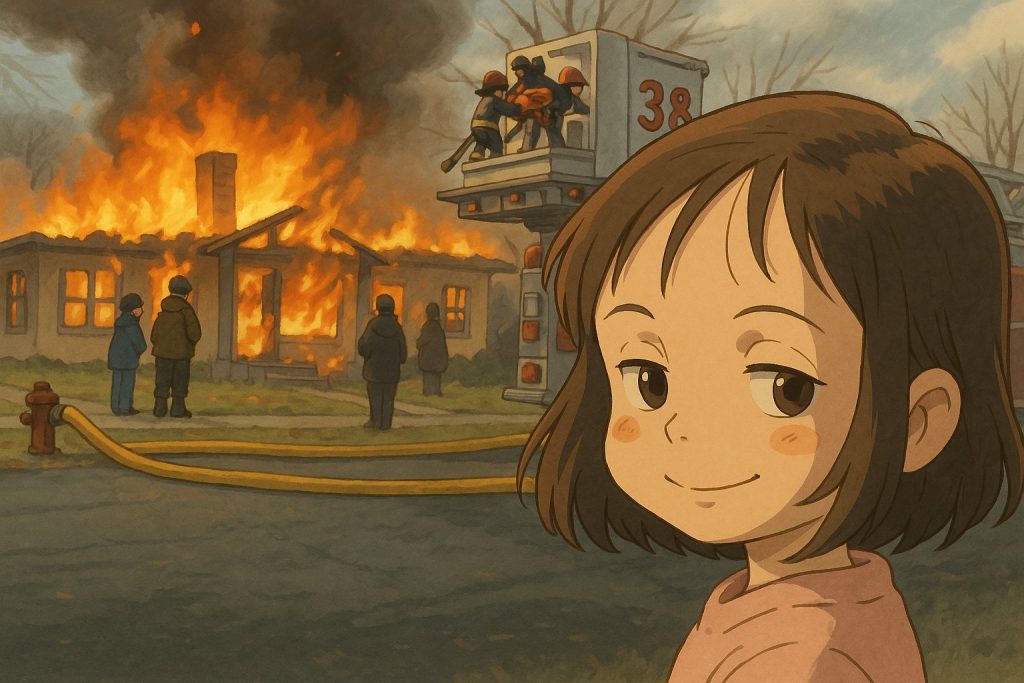
ChatGPT Images can turn an uploaded photo into a hand-drawn, whimsical animation scene inspired by the warmth and visual atmosphere associated with Studio Ghibli films.
Quick take: upload an image, describe the visual qualities you want and refine the result in small steps. Ask for an inspired look rather than an exact copy, and do not expect every face, object or composition detail to remain identical.
Availability was checked against OpenAI’s documentation on August 22, 2026.
What you need
- A ChatGPT account
- Access to ChatGPT Images on web, iOS or Android
- A photo you own or have permission to edit
- A clear description of the mood, composition and details you want
ChatGPT Images 2.0 is available on all tiers. OpenAI also offers an image mode with additional thinking on selected paid plans.
Create a Studio Ghibli-inspired image
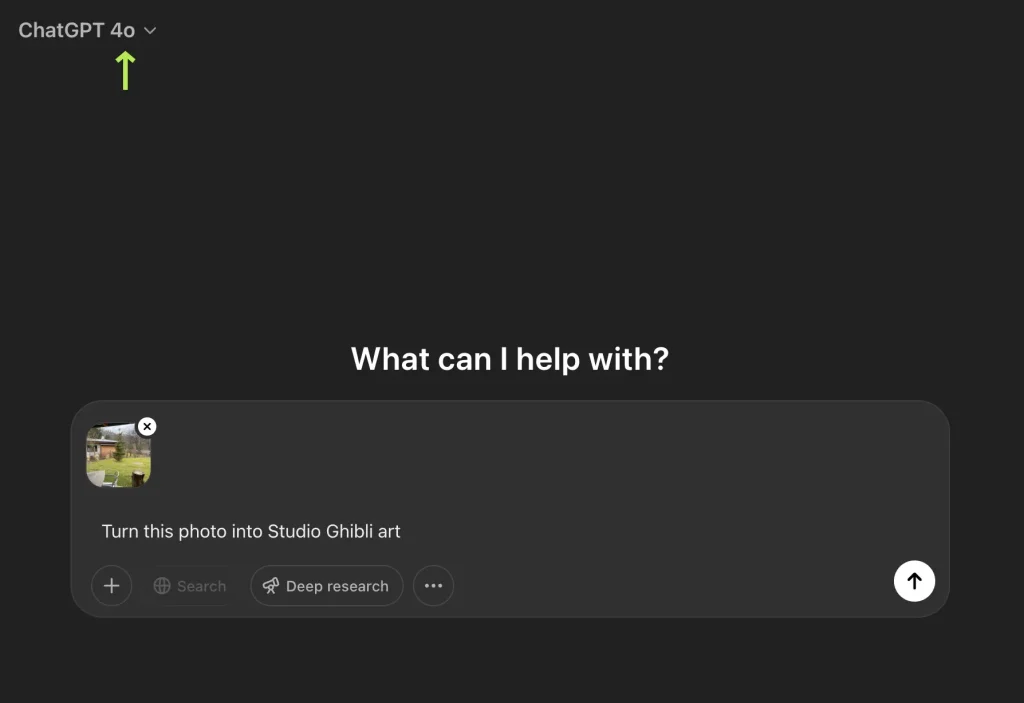
- Open ChatGPT and choose Images, or start a conversation that supports image generation.
- Upload the photo you want to transform.
- Describe the composition that should remain and the visual qualities that should change.
- Generate the first version.
- Review faces, hands, text, clothing and background details.
- Request focused corrections instead of regenerating everything at once.
- Save the final version when it is close enough to your intended result.
Prompt examples
For a reusable way to structure goals, context and constraints, see our guide to effective ChatGPT prompts.
Portrait
Transform this portrait into a warm, hand-drawn Japanese animation scene. Preserve the person’s pose, clothing colors and background layout. Use soft watercolor textures, expressive but natural facial features, gentle afternoon light and detailed plants. Keep the result original rather than copying a specific film frame.
Pet photo
Reimagine this pet photo as a whimsical hand-painted animation scene. Keep the animal’s markings, posture and main objects in the room. Use soft colors, visible brush texture and warm window light. Add subtle environmental details without changing the pet’s identity.
Landscape
Turn this landscape into a detailed hand-drawn animation background. Preserve the horizon, buildings and path. Use lush vegetation, soft clouds, natural color variation and golden-hour lighting. Keep the geography recognizable.
How to get better results
- Name what must remain: pose, clothing, camera angle, background objects or aspect ratio.
- Describe visual qualities: hand-drawn linework, watercolor texture, soft light and detailed natural environments.
- Correct one issue at a time: fixing a face and changing the entire background in one request can introduce new errors.
- Use the selection tool: highlight a specific area when an edit should not affect the rest of the image.
- Expect variation: image models interpret prompts rather than applying a deterministic filter.
What ChatGPT Images may change
Even a precise prompt can alter small details. Common problems include:
- Faces that no longer resemble the original person
- Changed hands, jewelry or clothing patterns
- Missing objects or rearranged backgrounds
- Unreadable text and signs
- Different framing or crop
Do not ask the model to maintain 100% of an image. If exact identity or product accuracy matters, use the generated result as a concept and finish the work in an image editor.
Use images responsibly
Use photos and artwork you have permission to edit. Avoid presenting generated images as official Studio Ghibli artwork or implying endorsement by the studio. For commercial work, review the rights attached to the source image, trademarks and the platform’s current usage terms.
FAQ
Is ChatGPT Images available on the free plan?
Yes. OpenAI currently lists ChatGPT Images 2.0 as available on all tiers, although limits can vary.
Can ChatGPT preserve the exact face and composition?
It can follow detailed instructions, but it may still change identity, framing or small objects. Refine the result with focused edits.
How long does image generation take?
Generation time depends on the request and current service load. OpenAI says complex images may take a few minutes.
Final tip
The strongest prompt identifies what must stay, describes the visual mood and leaves room for an original result. Generate once, inspect carefully and refine only the details that need work.